


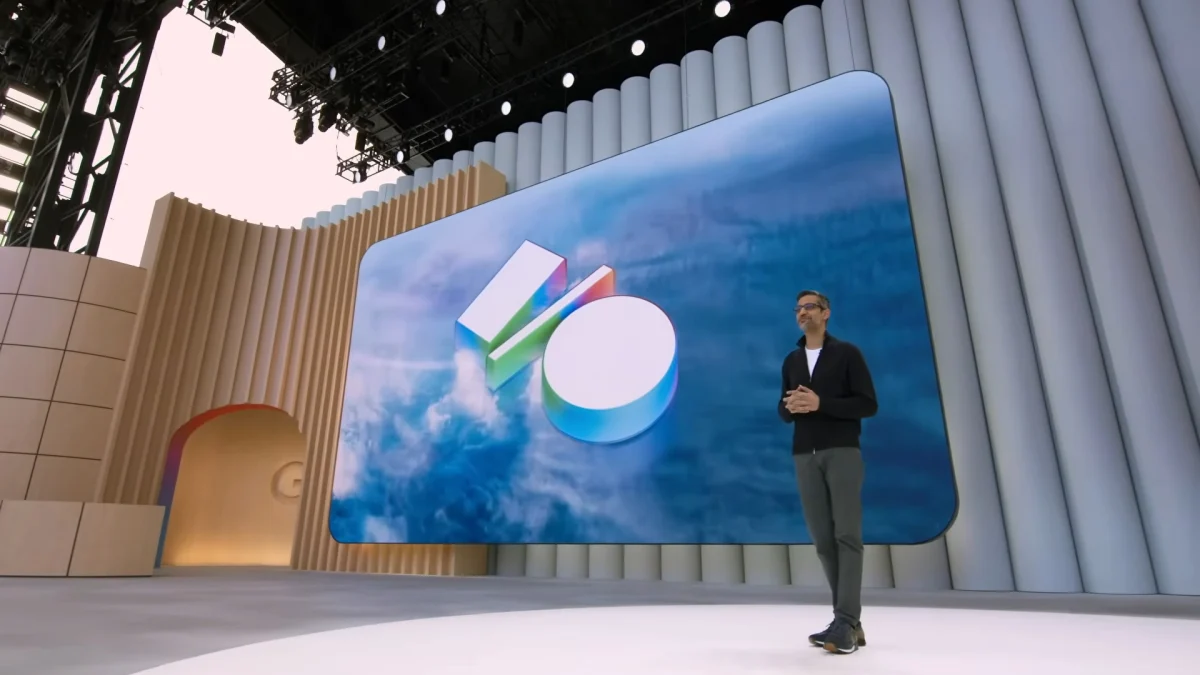
Google I/O 2026 is nearly upon us. This is Google’s annual opportunity to showcase the software features (and perhaps some of the hardware) the company has been cooking up behind the scenes. Like other big tech keynotes, anyone can tune in live and catch Google’s latest announcements as they happen. Here’s when Google I/O 2026 will kick off, and what we know about the conference at this time.
When and what time is Google I/O 2026?
Google tends to kick off its I/O event in May of each year, and 2026 is no different. This year, Google I/O will run May 19 through May 20. If you’re used to watching one single livestream, that two-day schedule might come as a surprise. But I/O isn’t just an announcement: It’s a developer conference, spanning keynotes, demos, and product sessions.
But if you’re only interested in the company’s main keynote, you’ll want to get May 19 on your calendar. Google hasn’t announced the exact time for its presentation, but it usually starts at 10 a.m. PT (1 p.m. ET), based on previous years.
How to watch Google I/O 2026
While Google invites a select group of journalists to watch its presentations live, and encourages developers to register to attend its various events, you can tune into the livestream wherever you are in the world. Google hasn’t confirmed where its livestreams will be hosted this year, but looking to the past, you’ll likely be able to stream the keynote from the official I/O website, as well as Google’s official YouTube channel.
What will be announced at Google I/O 2026?
The short answer? We don’t really know! Google is keeping I/O news close to the vest, and rumors haven’t been particularly prolific this year—at least, not yet. Seeing as it’s only March, it’s entirely possible we’ll hear more about Google I/O 2026 as we get closer to May.
That said, there are some things you can expect to see regardless of leaks and rumors. Android 17 will almost assuredly take center stage at Google I/O this year. Google just released first beta for the OS on Wednesday, though it doesn’t change all that much about Android 16 at this time. That said, I suspect beta testers will discover a number of new features and changes between now and May, as Google continues to add new things to its test software ahead I/O.
What do you think so far?
Like the past couple of I/O’s, this year should also be all about AI. Google seems to come out with new AI announcements multiple times a week, including adding its Lyria 3 AI music model to Gemini, or adding an agentic bot to Chrome to browse the internet for you. To that point, Google rolled out its official “save the date puzzle” for I/O 2026 on March 6, but this year, it’s a game with five stages that each use AI to some degree. If you complete all five “builds,” you unlock the Google I/O date (though you already know that). The games are:
-
“Hole in one,” which offers an AI assistant to guide your golf putts into the hole
-
“Nonogram,” which uses Gemini to create “endless game boards”
-
“Word wheel,” which uses Gemini 3 to automate each level’s design
-
“Supersonic Bot,” which uses Gemini to add microphone mechanics to adjust the bot’s altitude
-
“Stretchy cat,” which uses Gemini 3 to balance game mechanics for “endless play”
Considering the AI lengths Google has gone to for this simple save the data, expect Google I/O 2026 to be full of AI features—perhaps more than some of us would like to hear about.
I/O 2026 could also show off some hardware, but that’s no guarantee. Google did just announce the Pixel 10a, the company’s latest “budget” phone, and it could reveal other devices in May, but I/O really is more about the software than the hardware. (It is a developer conference, after all.)
