Close Menu
Scroll Tonic
  • Home
  • Smart Gadgets
  • AI & Daily Tools
  • Digital Well-Being
  • Home Office Setup
  • Productivity Apps

Subscribe to Updates

Stay updated with Smart Gadgets, AI tools, productivity apps, digital well-being tips, and smart home office ideas.

What's Hot

These MWC Phones and Gadgets Were Wild, So What Happened to Them?

The New Ultrahuman Ring Pro Has a Surprisingly Feature-Filled Charging Case

Perplexity Computer is Here to Change the Way we Use AI

Facebook X (Twitter) Instagram
Scroll Tonic
  • Home
  • Smart Gadgets
  • AI & Daily Tools
  • Digital Well-Being
  • Home Office Setup
  • Productivity Apps
Scroll Tonic
You are at:Home»Home Office Setup»Google is sunsetting the weather app on Android
Home Office Setup

Google is sunsetting the weather app on Android

team_scrolltonicBy team_scrolltonicFebruary 23, 2026002 Mins Read
Share Facebook Twitter Pinterest LinkedIn Tumblr Email
Google is sunsetting the weather app on Android
Share
Facebook Twitter LinkedIn Pinterest Email

Google is quietly saying goodbye to one of Android’s most familiar mini-apps. The company is phasing out the long-standing Google Weather experience and replacing it with a redesigned weather interface inside Google Search, as reported by 9to5Google.

If you have ever tapped the sun-and-cloud shortcut on your home screen to quickly check the forecast, you have already used what many consider Android’s default weather app. Despite feeling like a standalone app, it was actually a full-screen weather experience built into the Google app. However, that shortcut is now being redirected to a new Search-based weather page, and the change appears to be rolling out widely after months of testing.

the weather page has moved notification
Image used with permission by copyright holder

The original interface was simple and recognizable. It opened into a clean, full-screen feed with Google’s iconic “Froggy” background, showing current conditions, a 10-day forecast, and quick switching between saved cities. For many Android users, it became the fastest way to check the weather without installing a third-party app.

The replacement keeps most of the same information, but the experience is changing. Instead of a self-contained full-screen app, tapping the shortcut now opens a Google Search results page that includes the weather card alongside other search elements. The redesigned page still shows forecasts, air quality data, and detailed weather metrics. It also introduces an AI-generated summary alongside the usual hourly and 10-day forecasts. However, the experience now behaves like a typical web results page, complete with additional links and search content as you scroll.

Google Pixel
Unsplash

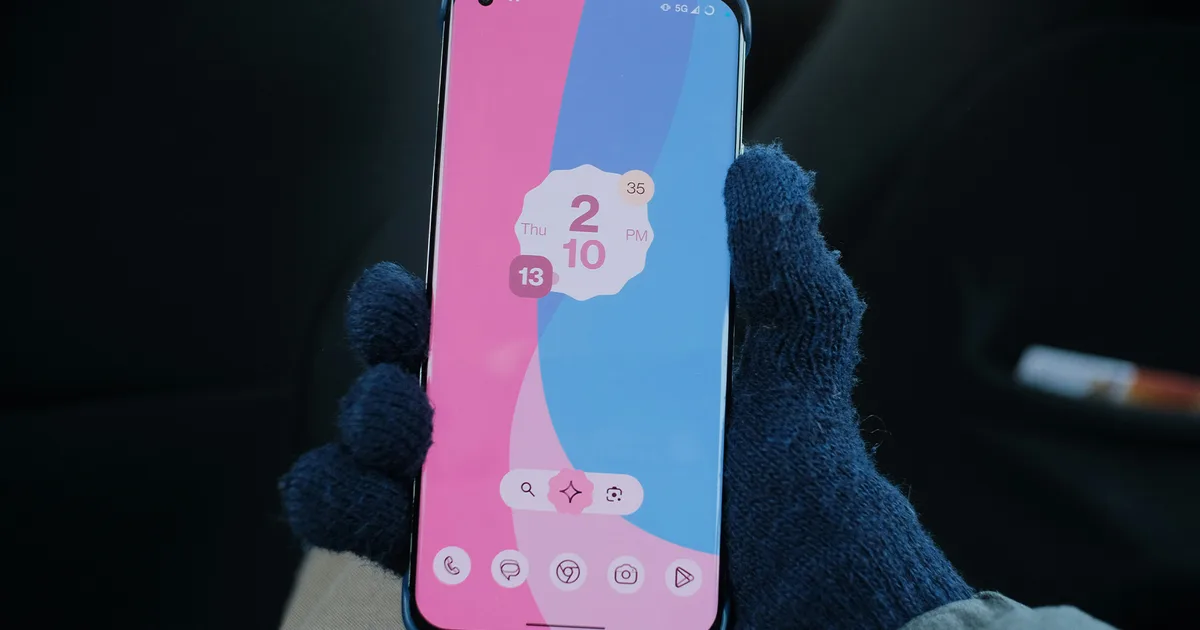
Interestingly, Pixel phone owners are mostly unaffected. Those devices already ship with a dedicated Pixel Weather app, meaning the change primarily impacts non-Pixel Android users who relied on the shortcut as their main built-in weather tool. That said, for non-Pixel users, if you prefer quick, dedicated weather tools, this shift might nudge you toward third-party apps. Nonetheless, it is another sign that Google’s future on Android increasingly revolves around Search as the hub for everyday information.

Android app Google sunsetting weather
Share. Facebook Twitter Pinterest LinkedIn Tumblr Email
Previous ArticleThe Stop Killing Games campaign will set up NGOs in the EU and US
Next Article Now That Trump’s Tariffs Have Been Ruled Illegal, Will Tech Prices Lower?
team_scrolltonic
  • Website

Related Posts

How to Manage Your Increasingly Desperate App Notifications

March 1, 2026

I wish Apple made this sleek wireless power bank, but it works just fine with the iPhone

March 1, 2026

Which Water Filter Pitchers Filter PFAS? How to Check

February 28, 2026
Add A Comment
Leave A Reply Cancel Reply

Top Posts

Must-Have AI Tools for Work and Personal Productivity

February 9, 2026734 Views

Best AI Daily Tools for Notes and Task Planning

January 25, 2026728 Views

Punkt Has a New Smartphone for People Who Hate Smartphones

January 5, 2026725 Views
Stay In Touch
  • Facebook
  • Pinterest

Subscribe to Updates

Stay updated with Smart Gadgets, AI tools, productivity apps, digital well-being tips, and smart home office ideas.

Keep Scrolling. Stay Refreshed. Live Smart.
A modern digital lifestyle blog simplifying tech for everyday productivity and well-being.

Categories
  • AI & Daily Tools
  • Digital Well-Being
  • Home Office Setup
  • Productivity Apps
  • Smart Gadgets
  • Uncategorized
QUick Links
  • About Us
  • Contact Us
  • Disclaimer
  • Privacy Policy
  • Terms & Conditions

© 2026 Scroll Tonic | Keep Scrolling. Stay Refreshed. Live Smart.

Type above and press Enter to search. Press Esc to cancel.